
Mutations & journal
Find the eight observed mutation buttons, run a chamber experiment and recognize a new journal discovery in Ragdoll Research.
Source snapshot: November 7, 2026 · Unofficial player guide
Start at Test Chamber 01. Use the labeled mutation panel on the subject, watch its body change, then look for a green NEW JOURNAL PAGE message. The Journal button sits in the left sidebar.
The official game description connects mutation injections with new journal entries. In the recorded laboratory, a chamber panel also applies mutations directly. The sequence below follows that visible panel; it does not require you to find an unconfirmed syringe item. Official game description · Chamber demonstration, 0:15–0:35.
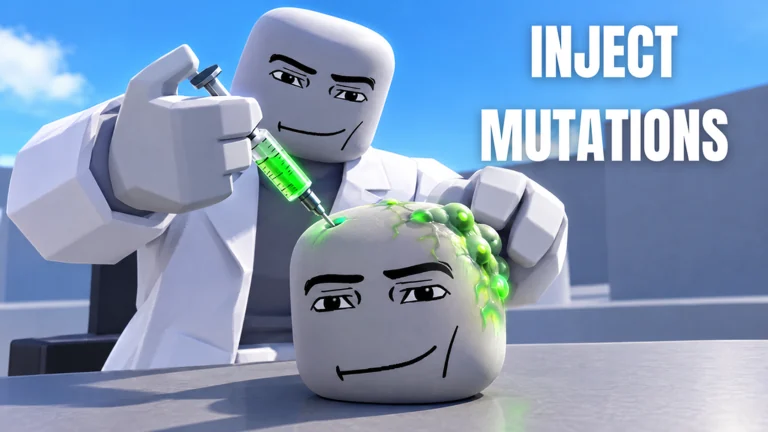
Make your first chamber discovery
- Find a test chamber in the laboratory hall. The demonstrated booth is marked Test Chamber 01, with a subject behind its colorful control panel.
- Use a labeled mutation button. Diamond, Plant and other effects are shown being combined in the footage. Start with one change at a time if you want to compare the result clearly.
- Observe the subject. Look for changed limbs, wings or other visible additions. Different effects can appear on the same subject.
- Check the discovery message. At 0:27, the recording displays NEW JOURNAL PAGE — BUG. This is a useful success cue for a new entry.
- Open Journal on the left. Use your own discovered pages to track what you have found before starting the next experiment.
The Bug message appears during an experiment with several mutations already applied. That footage does not isolate a guaranteed Bug recipe. Testing one change at a time is our comparison advice, not a hidden unlock requirement. See the actual discovery message at 0:27.
The eight observed panel options
These are the labels readable on the chamber panel at 0:17–0:20. They are a practical starting list, rather than a claim that every current journal entry is covered. View the labeled panel.
| Panel label | Try it as a comparison |
|---|---|
| Wings | Compare the subject before and after applying the button. |
| Long Arms | Watch the arm shape and how the subject moves. |
| Big Head | Compare the head with the subject’s earlier state. |
| Tentacles | Inspect the added limbs before stacking more changes. |
| Diamond | Look for the crystalline appearance shown in the recording. |
| Long Legs | Compare leg shape and movement with the starting subject. |
| Bug | Watch for a new journal message if the entry is undiscovered. |
| Plant | Look for the green growth visible in the combined experiment. |
Can you mutate yourself?
The same video shows a player avatar inside Test Chamber 05 and then outside with mutations. It demonstrates self modification as well as subject experiments. It does not establish that every mutation behaves identically on a player. See the player experiment at 1:22–1:35.
Journal discoveries and weapon popups are different cues
At 0:27, a Crystal Kraken weapon notification appears beside the Bug journal message. At 0:35, another notification names Bug. Both offer an Unlock button. Their appearance together does not prove that one specific mutation combination awards either weapon. The official description only says weapon variants unlock through playing. Crystal Kraken popup · Bug popup.
The demonstrated interface was recorded on November 5, 2026. Update 2.5 announced a UI rework, so follow the current in-game labels if a menu has moved.